 01
Upload
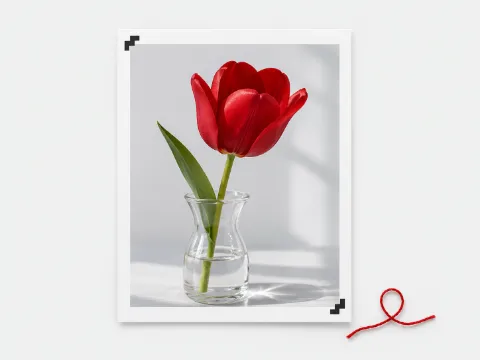
Choose a photo or start blank. Your photo stays on your device.
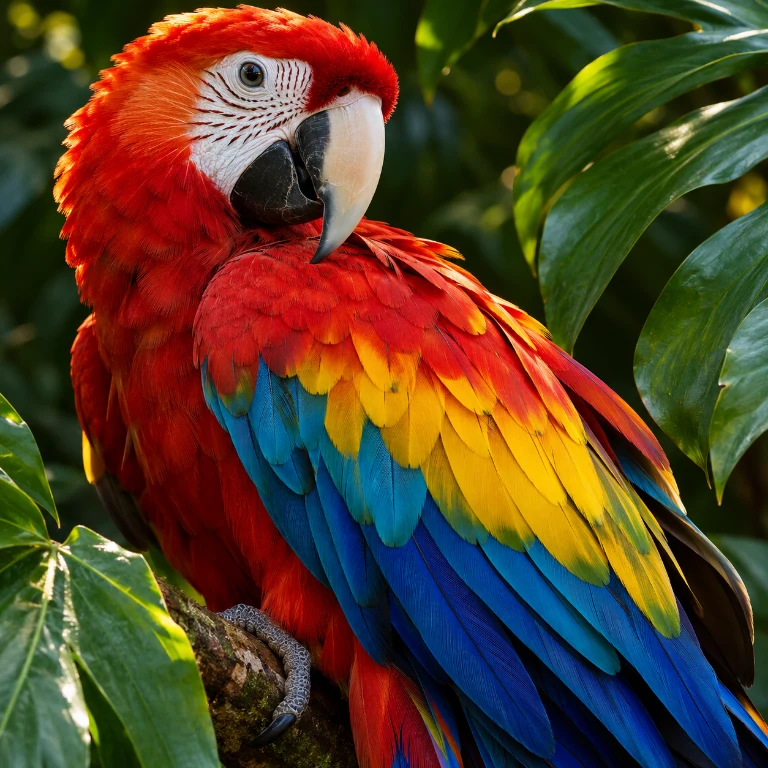
Compare the feather detail in two conversions of the same photo. Try yours, then print the stitches you see in the preview.
Free for personal use. Up to 500 × 500 stitches and 80 colors. No sign-up or watermark. Photos stay on your device. JPG, PNG or WebP, up to 40 MP.
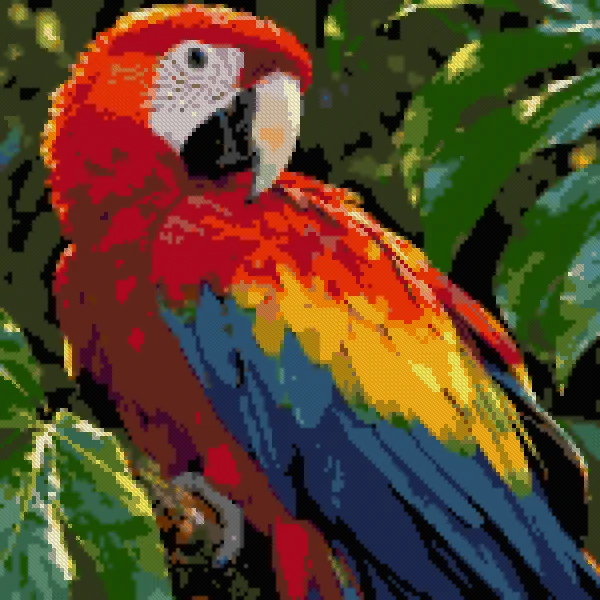
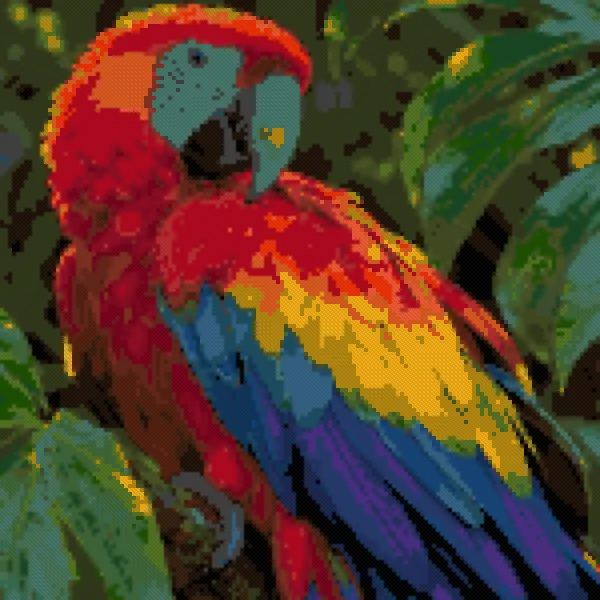
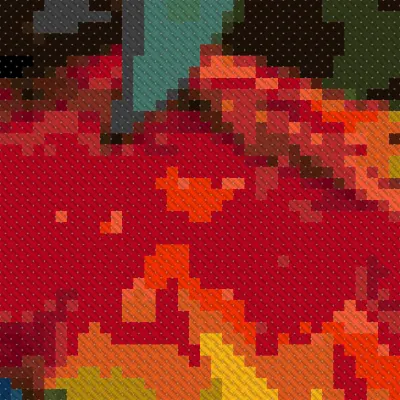
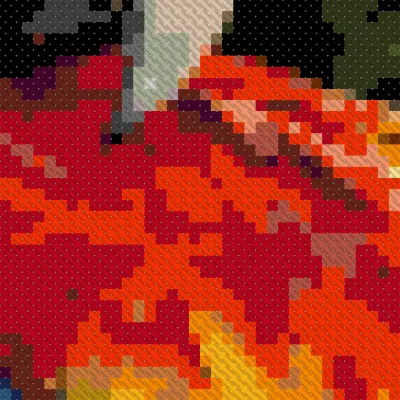
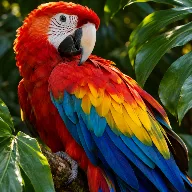
99.9% vs 71.7% basic
L* 89.4 vs 72.5 basic
Measured on this photo against the resized original. Basic means our plain nearest-DMC example, not a competitor. Physical model uncalibrated. Full measurements
Light, thread and paper.
Each one gets its own attention.
Simple color matching can flatten a photo. crossstitchgo balances lightness, color intensity and edge detail against a model of floss on fabric.
The three regression photos retain 97.5%, 98.5% and 99.1% of their local contrast at 150 stitches wide and 30 requested colors. All seven C2 checks pass on those fixtures.
These are measured examples, not a guarantee for every image. Full macaw measurements - including where this photo sits relative to our hard lines - are published on the methodology page.
Read the method and reproduce the tests →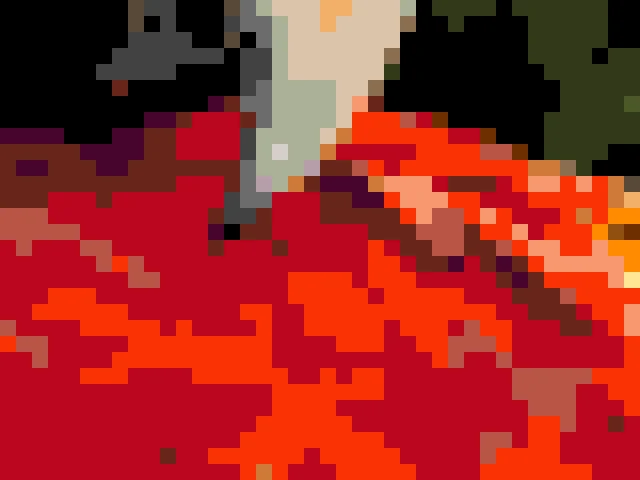
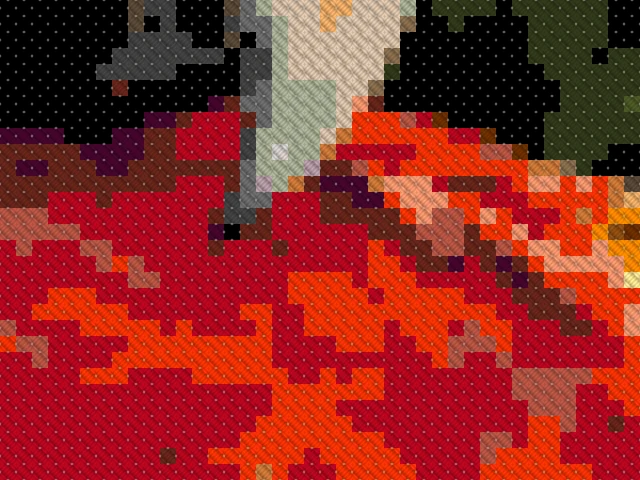
Same Pattern, same colors. The preview includes fabric gaps and thread shadows. No added sheen. Screen-to-thread appearance is uncalibrated.
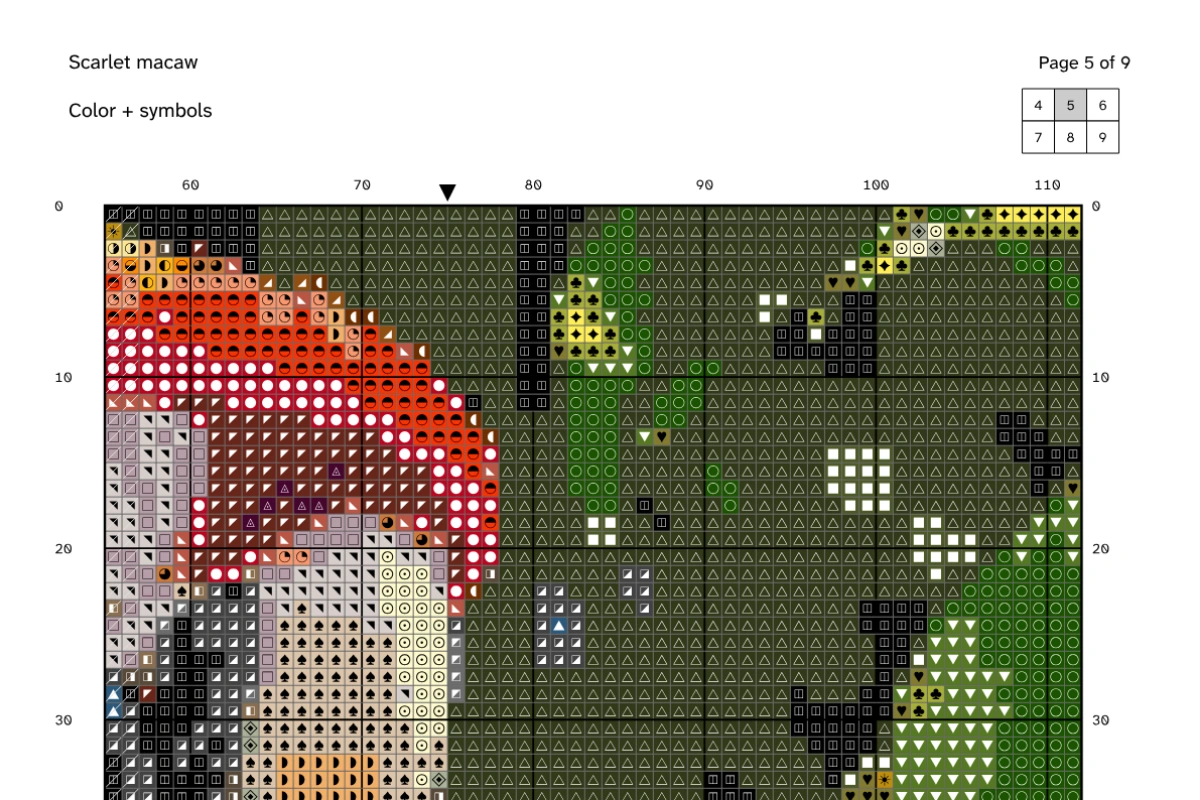
Every color has its own symbol. Every page tells you where you are. The chart is vector artwork with embedded fonts, so you can zoom in without turning symbols into pixels.
Color symbols or black & white. Preview and PDF share one Pattern. Physical printing and Pattern Keeper compatibility remain unverified.
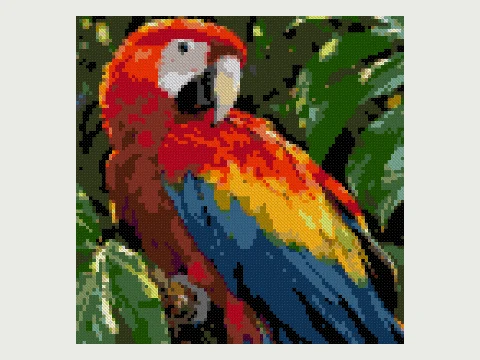
100 × 100 stitches · 30 colors
Open in editor →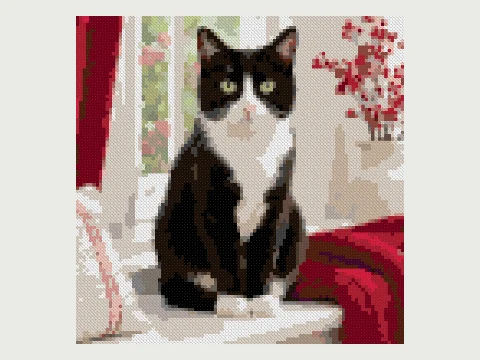
100 × 100 stitches · 29 colors
Open in editor →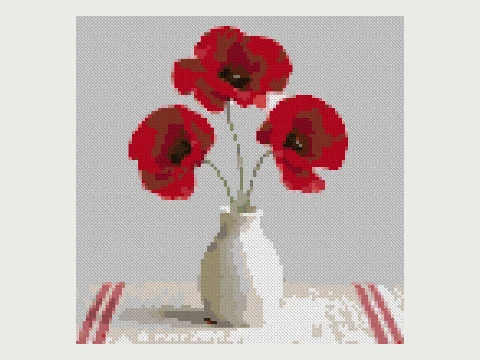
100 × 100 stitches · 22 colors
Open in editor →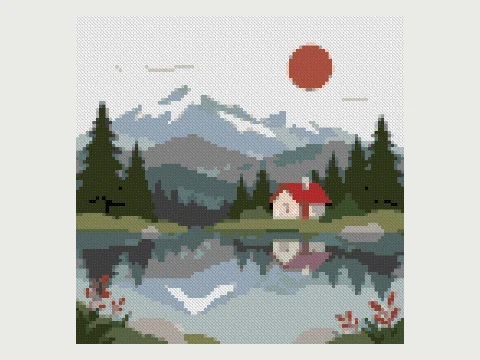
100 × 100 stitches · 24 colors
Open in editor →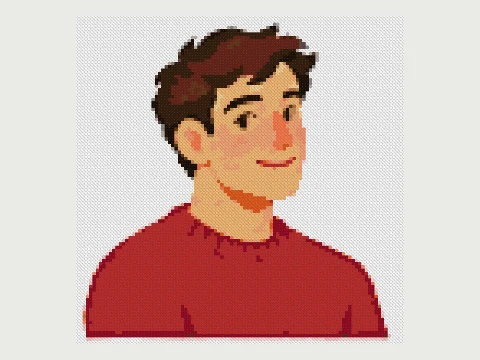
100 × 100 stitches · 21 colors
Open in editor →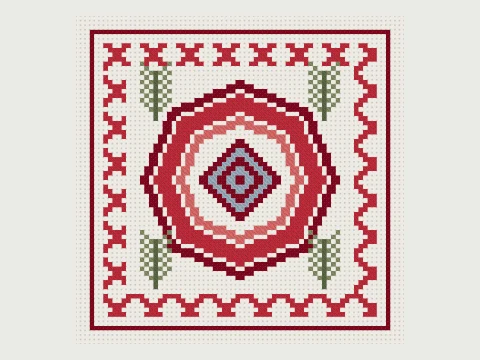
72 × 72 stitches · 6 colors
Open in editor →Original project artwork, converted with our algorithm or authored stitch by stitch. Every cover uses the same Pattern the editor opens.
Brush, erase, fill, pick a color, replace or merge threads. Add text with 20 free licensed fonts. Pan, zoom and switch between stitches, symbols and blocks.
220 undo steps give you room to experiment. Local autosave keeps the pattern in this browser.
Edit Nordic heirloomFull editing works best on a larger screen.
Free for personal use. Up to 500 × 500 stitches and 80 colors. No sign-up or watermark. Photos stay on your device.
Your browser does the conversion, editing and PDF export. No AI model processes your photo. The showcase source image is original generated photography; its stitched versions are actual algorithm output.
Try these original photographs and illustrations. These original sample images load from this site and convert on your device.
Full PDF export is free here.
Here is what the research found elsewhere.
| Tool | Free access | Paid access in the research |
|---|---|---|
| crossstitchgo | 500 × 500, 80 colors, photo conversion, editing and full PDF. No signup or watermark. | Personal editing and export stay free. Seller plans are $14.90 per month or $99 per year. |
| Stitch Fiddle | 15 charts, 300 × 300, 50 colors, basic editing | Premium: $5/mo or $30/yr; photo conversion, unbranded export, larger grids |
| stitchmate | 10 patterns, PNG and PDF previews; no signup | Full PDF $5.99 each; Personal Pass $99 once; Plus $149 once |
| xstitchify | 5 PDF credits on signup; about 20 fonts | Standard $9.99/mo or $69.99/yr; Pro $24.99/mo |
| Pattern Keeper | One-month trial; Android chart reader and tracker | About $9 once. Different purpose: progress tracking, not photo conversion |
| makebead | Free multi-craft tools; small export watermark | No paid tier recorded |
| FlossCross | Free photo conversion, editor and PDF; up to 300 × 300 | No paid tier recorded |
| stitchxcross | Free conversion, editing and watermark-free PDF; local processing | No paid tier seen in the research |
| photo2stitch | One credit on signup | Editable canvas or PDF $5 each; $15/mo for 20 uses |
| crossstitchmaker.net | Free conversion, editing, PDF/PNG; 300 × 300, 40 colors | No paid tier recorded |
FlossCross and stitchxcross also offer free tools. We compare specific limits and exports, not overall quality. Pattern Keeper is a chart tracker; our web tracker includes a practice chart.
Seller: $14.9/mo or $99/yr. Try the local Seller demo to collect buyer details, approve a proof and prepare branded PDFs. Checkout is simulated.
01Choose a photo or start blank. Your photo stays on your device.
 02
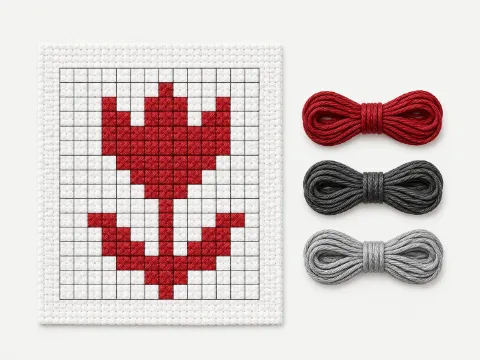
Set your stitch width and DMC color count. Preview, recolor and add text.
 03
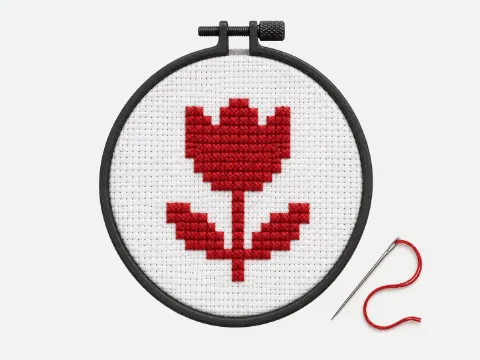
Export a free PDF with symbols, overlapping pages and a thread list.
Yes. Personal use is free, with no account or watermark. Choose color symbols or black and white symbols, with a thread list included.
It stays in your browser. Conversion, editing and export happen on your device. Local autosave can restore your work in this browser.
Use a well-lit image with a clear subject. A smaller number of colors is easier to stitch, while a larger grid can preserve more details.
Yes. Open the text tool in the editor and choose from 20 free licensed fonts. Text becomes editable full stitches.
Have a chart already? Import a supported OXS or vector PDF in the editor, or try marking stitches in a practice chart.